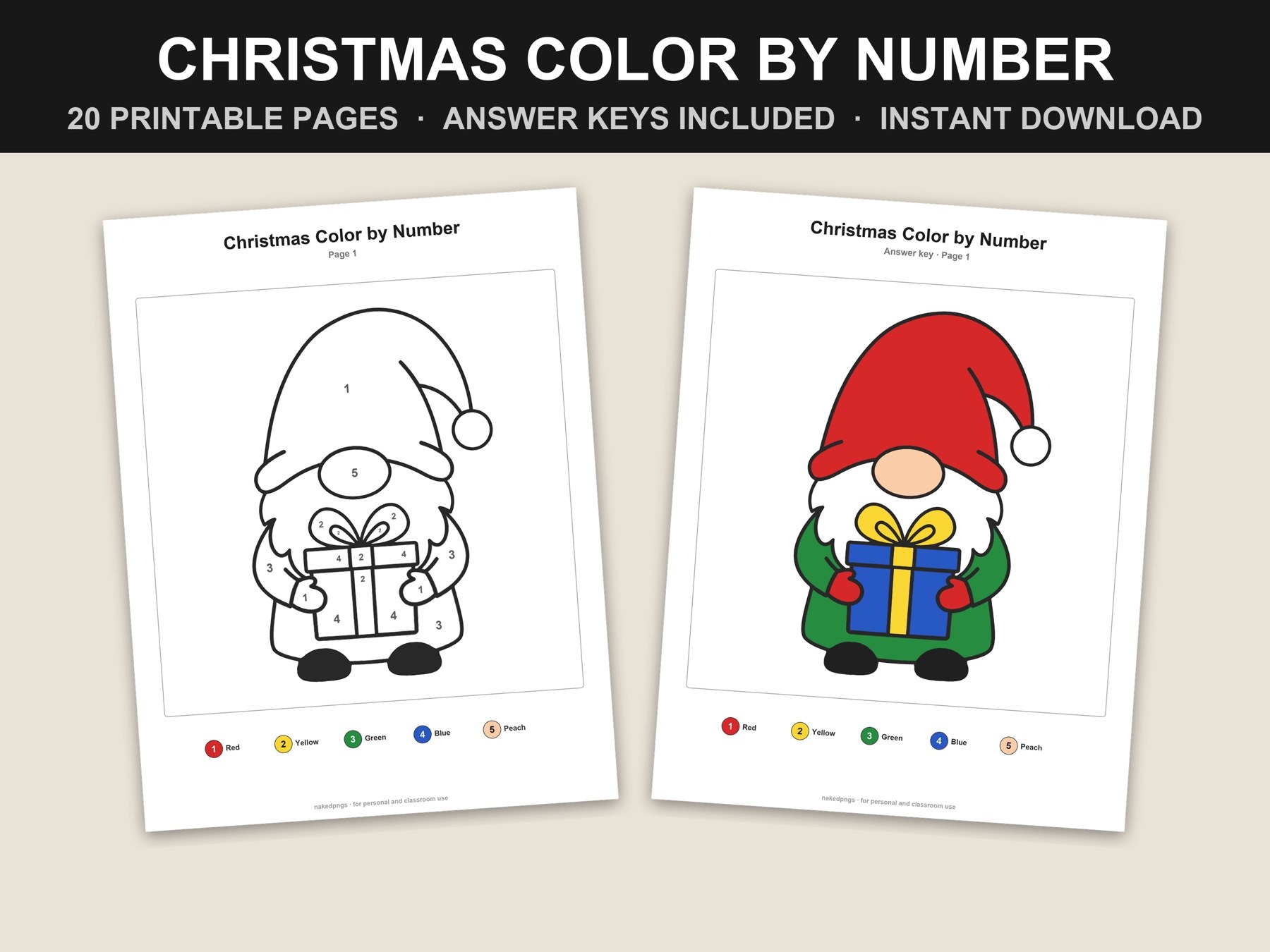
How to print color by number pages that look great
Printable color-by-number pages are made to print on any home printer. A few settings make the difference between crisp lines and a page that's cut off at the edges.
Printer settings
- 1Open the PDF in a PDF reader rather than a browser preview — the print options are clearer.
- 2On US Letter paper, print at Actual size (100%).
- 3On A4 paper, choose Fit or Fit to page so nothing is cut off.
- 4Print the coloring pages in black and white to save ink; print the answer keys in color.
- 5Print just the pages you need: in the page range, type the numbers you want, like 1–5.
Paper and supplies
- •Everyday printer paper works well for crayons and colored pencils.
- •For markers, use thicker paper or light cardstock so the ink doesn't bleed through.
- •Lay out only the colors each page calls for — it keeps little ones on track.
Ideas for the holidays
- •A stapled book of pages makes an easy stocking stuffer or Christmas Eve box filler.
- •Teachers: early finishers can grab a page from a folder while others wrap up.
- •On road trips, a clipboard and a zip bag of colored pencils keeps everything together.